
Simple fixes for annoying problems (Rapid Fire Tips)
Some problems have simple solutions

During my projects I always encounter problems that are annoying to deal with. They either take a long time to fix, are tedious or just completely stop your momentum.
In this post I want to share three tricks that have solved some pretty annoying problems for me recently without much effort.
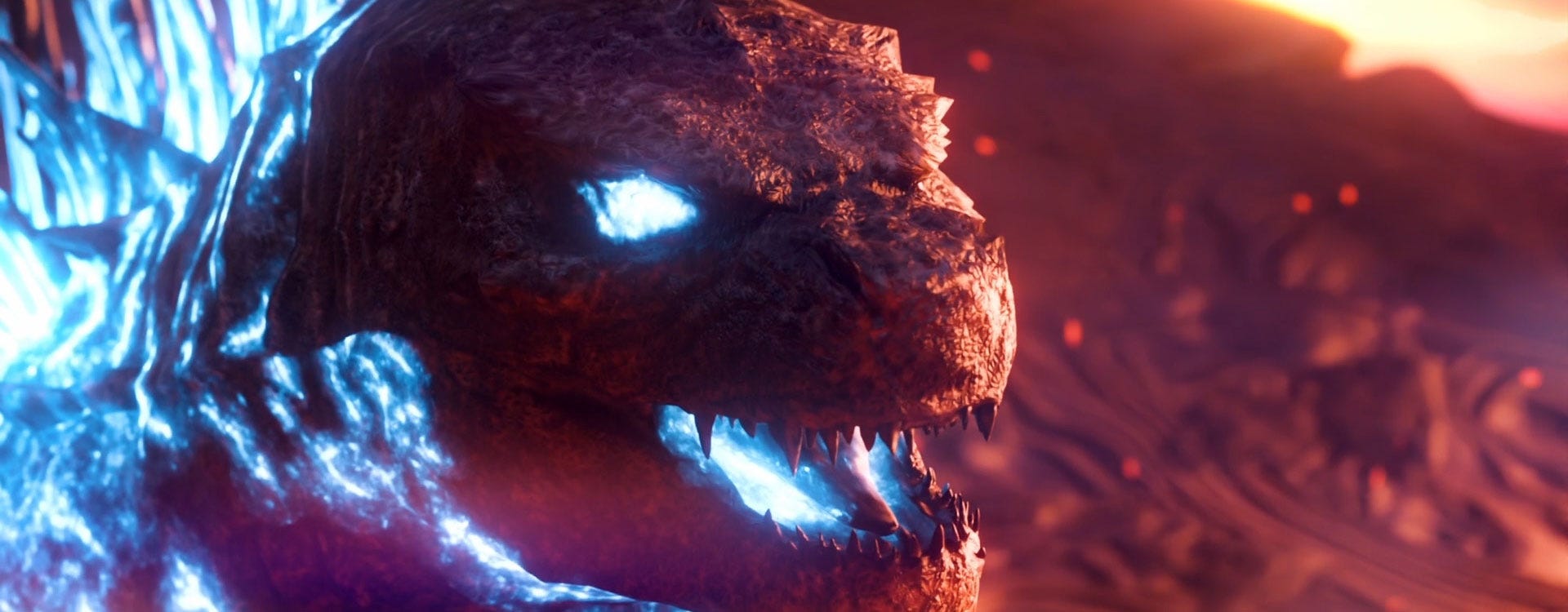
Unlimited Texture Resolution
For my 1 vs 100 hour Godzilla animation project I grabbed a really nice Godzilla model off of Sketchfab. It looked great from further away, but I wanted to have a shot in my animation that really zooms in on his face and eye.
Obviously the textures weren’t designed for that, so they looked like a blurry mess and not good enough for what I had in mind. But there is a simple way to add seemingly unlimited resolution to any texture with a simple addition to the material.
All I needed to make Godzilla’s textures look high-res was a procedural bump map.
The model came with a normal texture which, just like the other textures, looks very blurry in a close-up shot. To mix the normal and bump map you can plug both into their respective sockets on the Bump node and easily use a procedural black and white texture to add unlimited detail to any model’s surface.
In my case I followed this procedural scales tutorial by Ducky to add the small scales that Godzilla was missing and now I could zoom in as far as I want and never run out of detail.
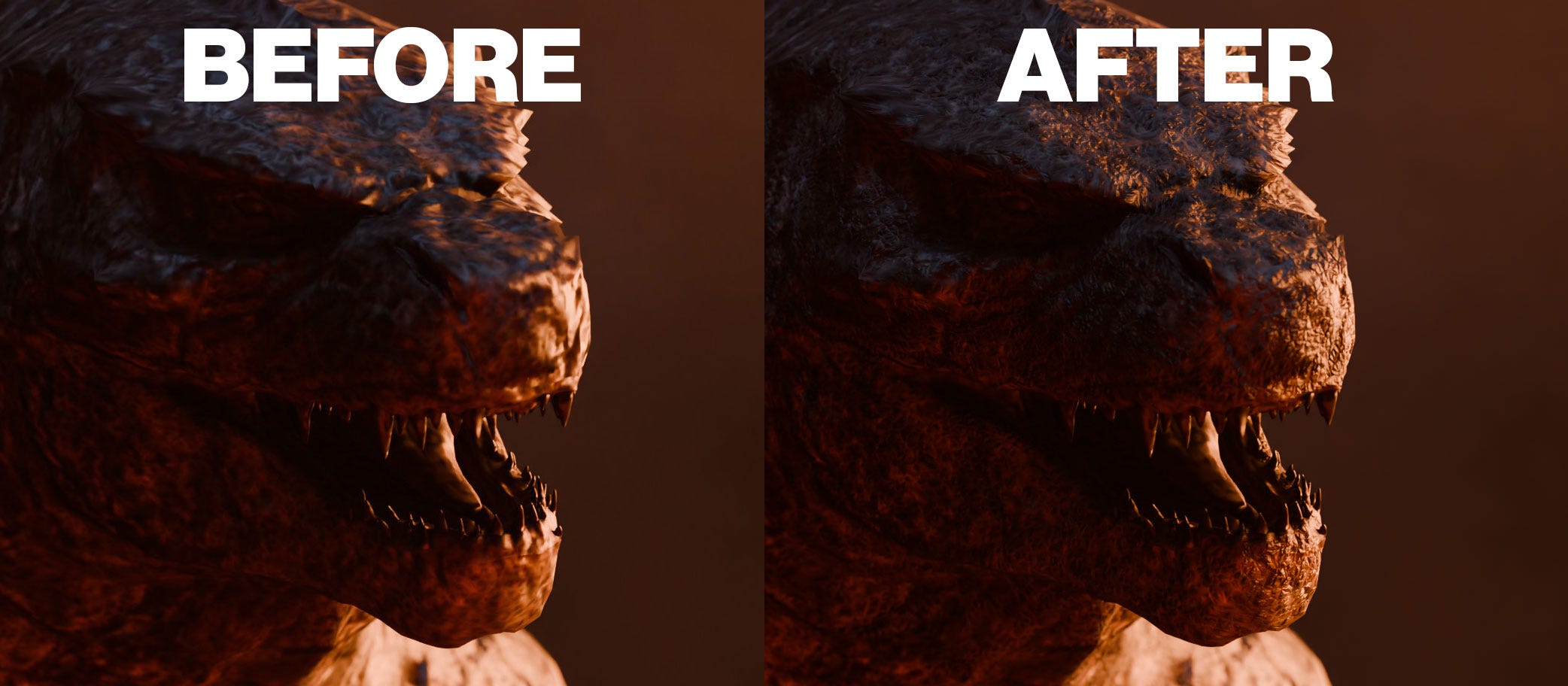
Depending on how complex the procedural texture you need is to create, this might not work for your case. But it’s a good technique to keep in mind if you ever run into a situation similar to mine.
Avoiding Harsh Lights in Glossy Reflections
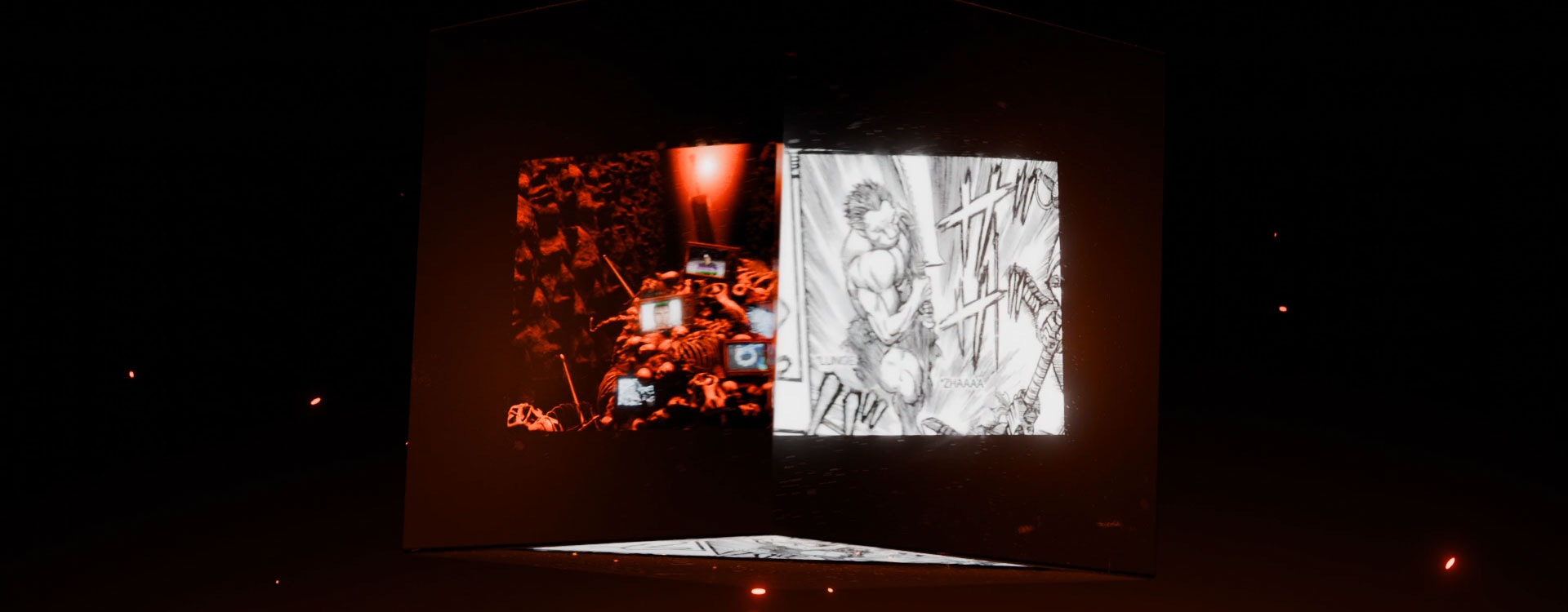
For the intro of my “Remaking Berserk in Blender” video I had the idea of this glass cube transitioning between shots by rotating. But lighting the scene created some issues.
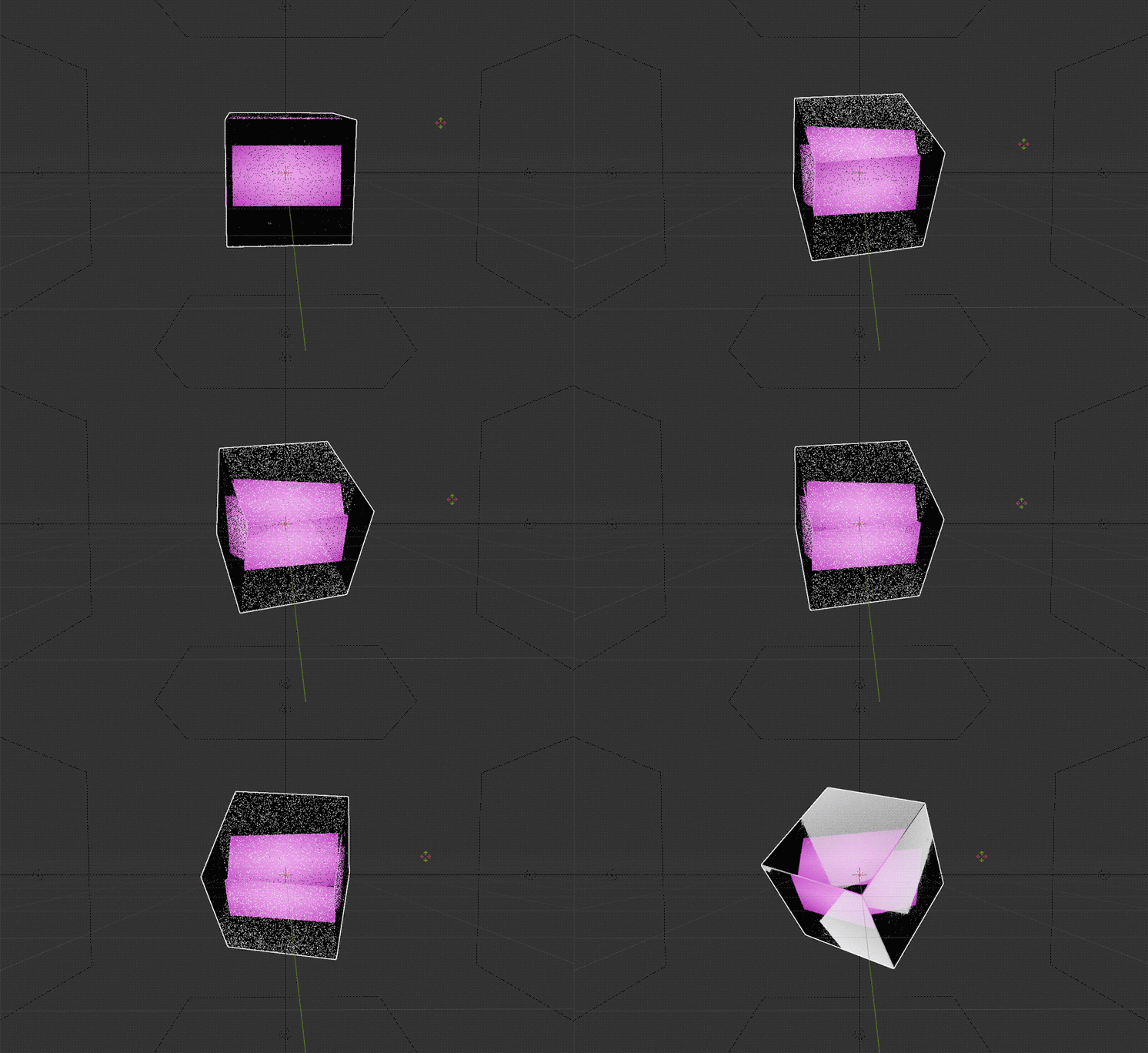
Whenever you want to light very glossy surfaces you need to be aware of the light’s reflection on the object itself. Product animations often use this fact to their advantage to highlight the shape of the product, but in my case the lights actually covered the footage. So I had to find a different technique to light the cube.
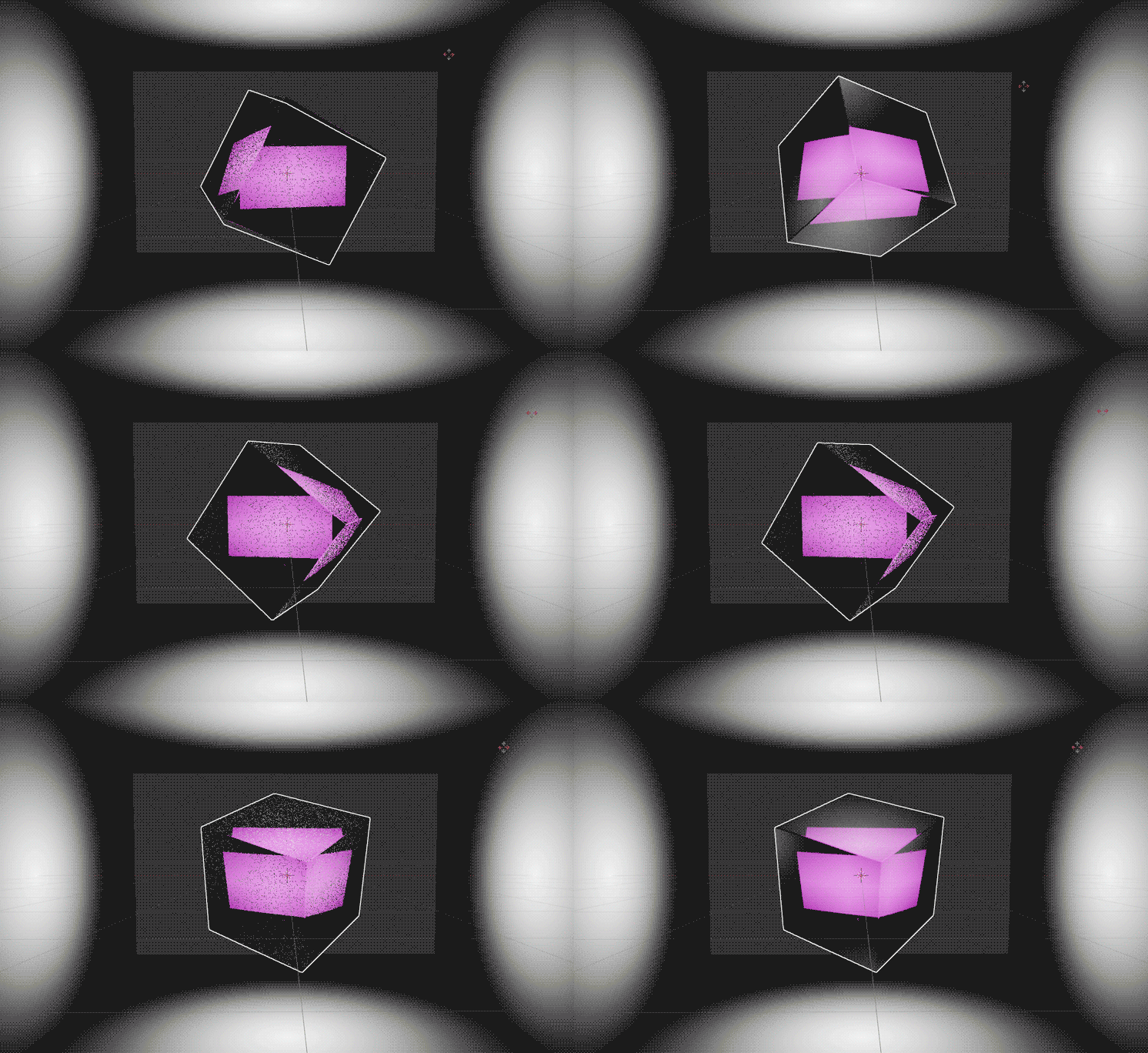
A simple Gradient texture was the answer!
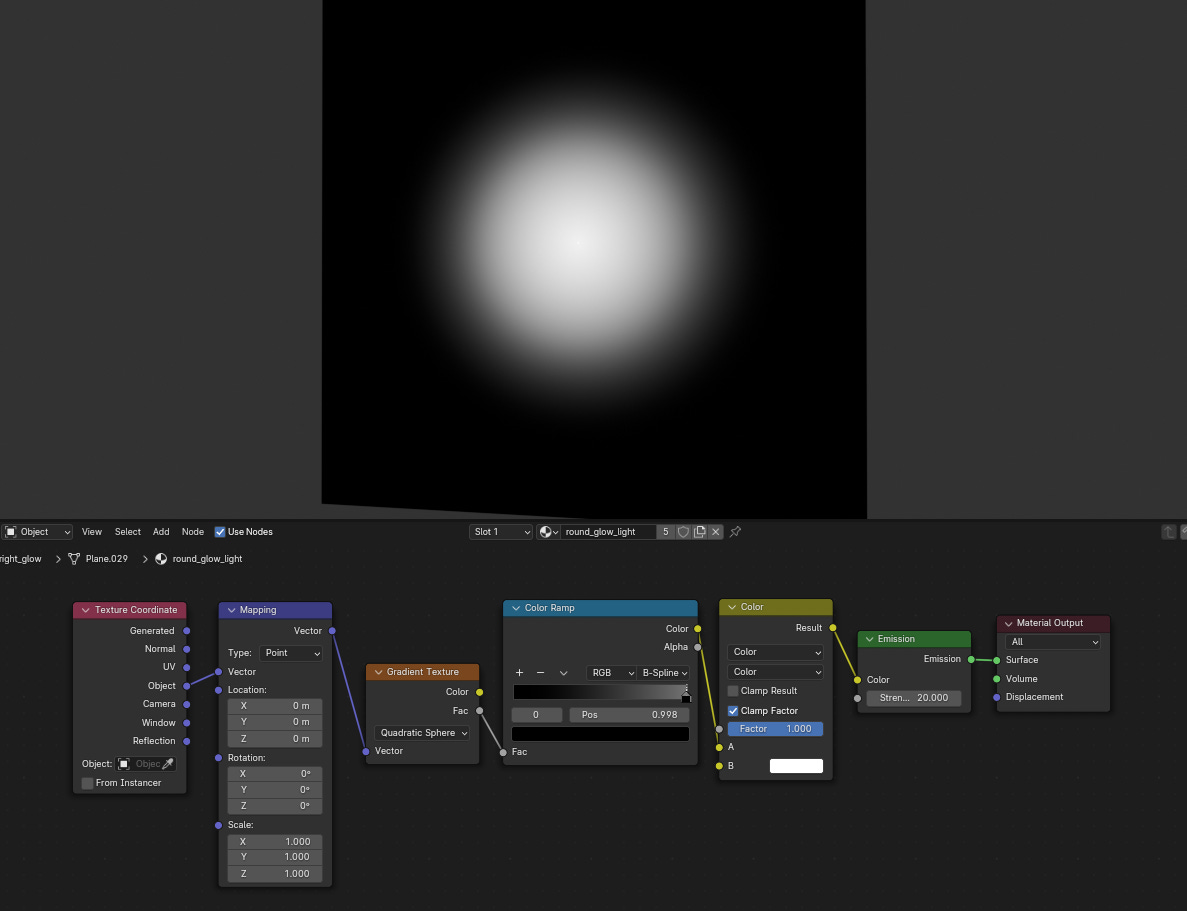
With this simple node setup you get a super smooth light source that is hard to see in the reflections since it is so smooth. You can move the left handle of the Color Ramp node to adjust the gradient and change the light’s color with the lower color input of the Mix Color node.
So in case you need to light something glossy and don’t like the reflection on your model, this might be exactly what you’re looking for.
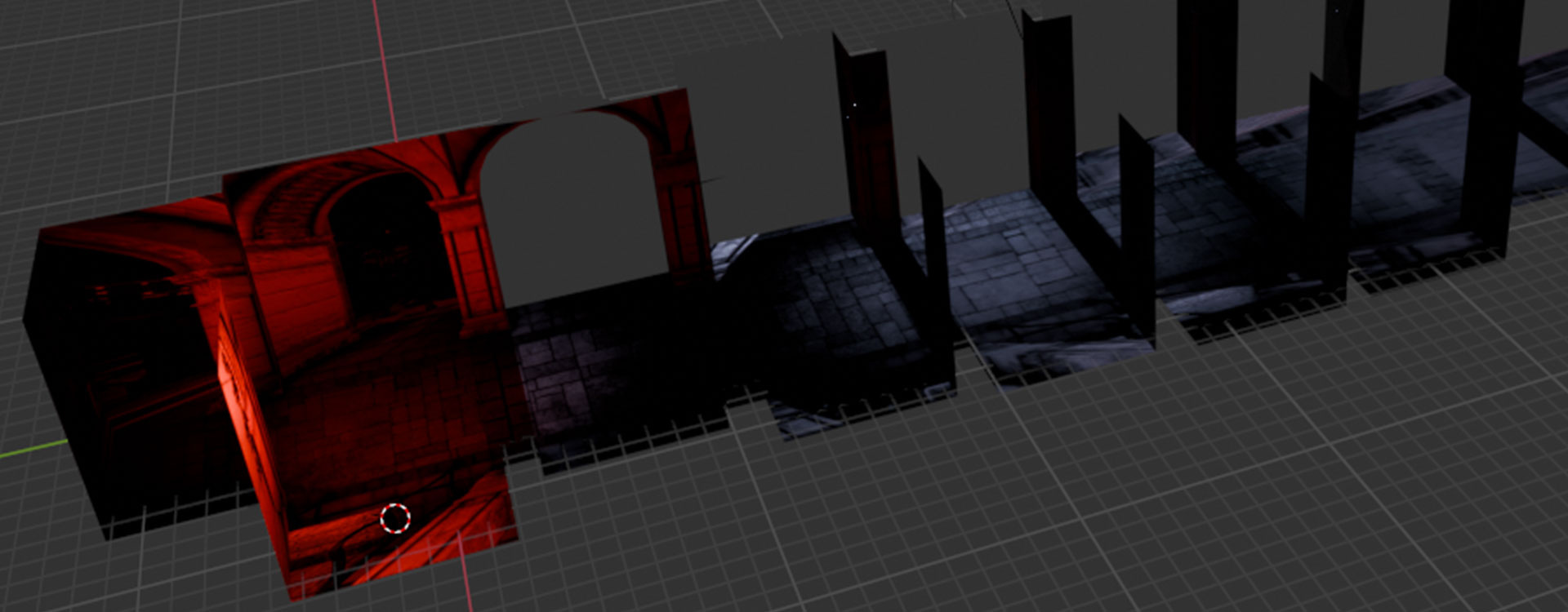
Creating Full Environments in 1 Minute
Sometimes you just need a nice 3D background for your scene, but creating a whole environment would be way too much effort.
Luckily, I recently found this video by Tomi Viitanen (you may have as well).
In it they explain how you can use a cube and a simple shader setup to turn HDRI’s into actual 3D environments with depth, that you can place objects in.
The problem with normal HDRI’s is that there' is no feeling of depth since the entire environment has the same distance from the camera. This method allows you to create that depth by transforming the cube and shaping it after the original environment.
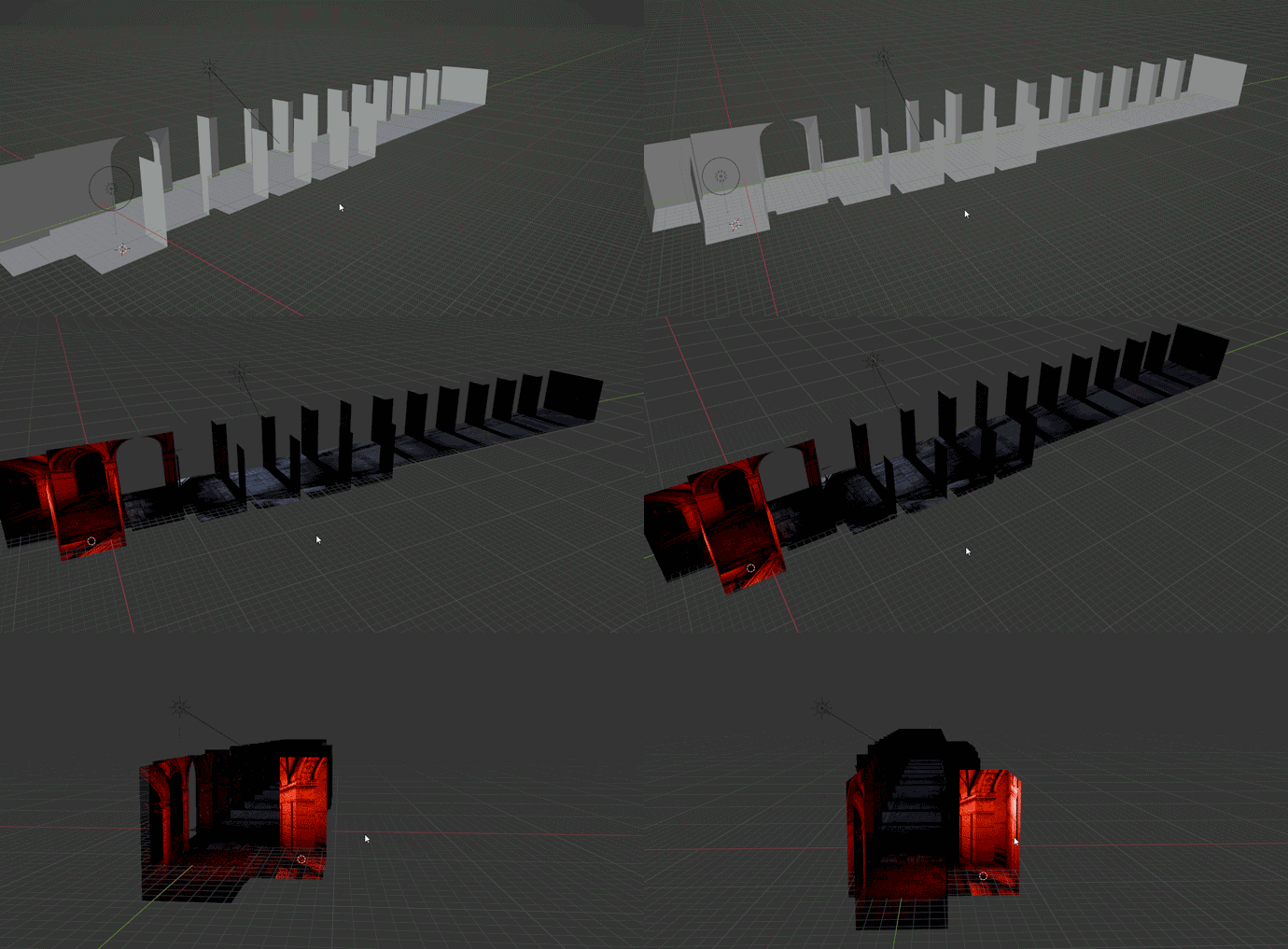
This hallway is a great example for this technique. As long as it isn’t the main focus it allows you to create pretty detailed environments for your scenes with very little effort.
To understand exactly how to do use this technique make sure to watch Tomi’s video, as I have only really summarized what you can do with it.
I’ll probably make these posts a little shorter from now on. I’ve usually spent almost an entire day creating one of these, which made it hard to justify writing another one when I could also just work on a new video. :D
I hope these tips can save you some time in a future project as they have done for me.
And if you’re looking for more tips like this, make sure to check out my previous post of Rapid Fire Tips!
Also, if you know someone that might find this post useful, feel free to share it with them.
If you have any further questions you can either reply to this email/ post them as comments under this post or join my Discord server, where I have a dedicated channel for any questions around Blender and 3D in general.